
Add a Family Memory!
Preserve a Photograph or Story — Give Future Generations a Glimpse into Your Family's Life!
Do you have an old family photograph tucked away in a drawer? A favorite story about your grandparents? A picture from a wedding, birthday, family reunion, or special occasion?
Those memories are treasures! FamilySearch Memories gives you a place to preserve photographs, stories, and other family keepsakes so they can be enjoyed by future generations.
And you don't need a large collection or a perfectly written family history to get started.
This month's invitation is simple: Add one photograph or family story to FamilySearch Memories.
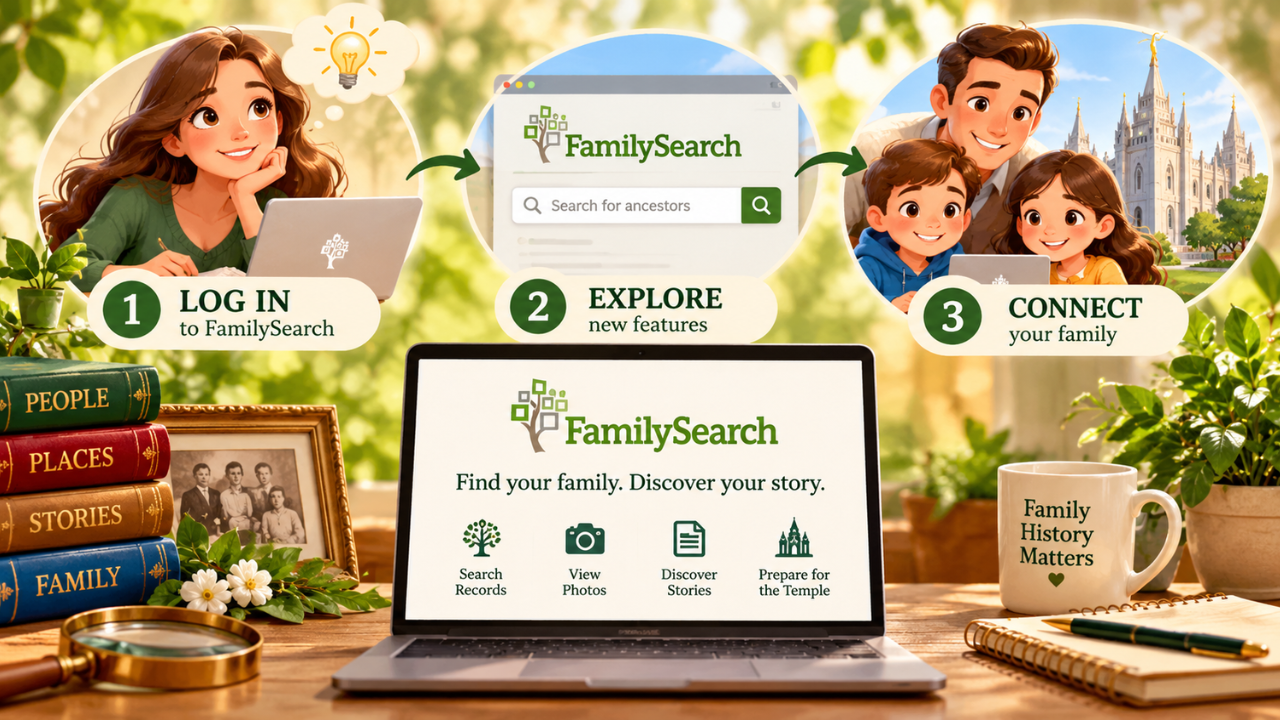
Three Easy Steps:
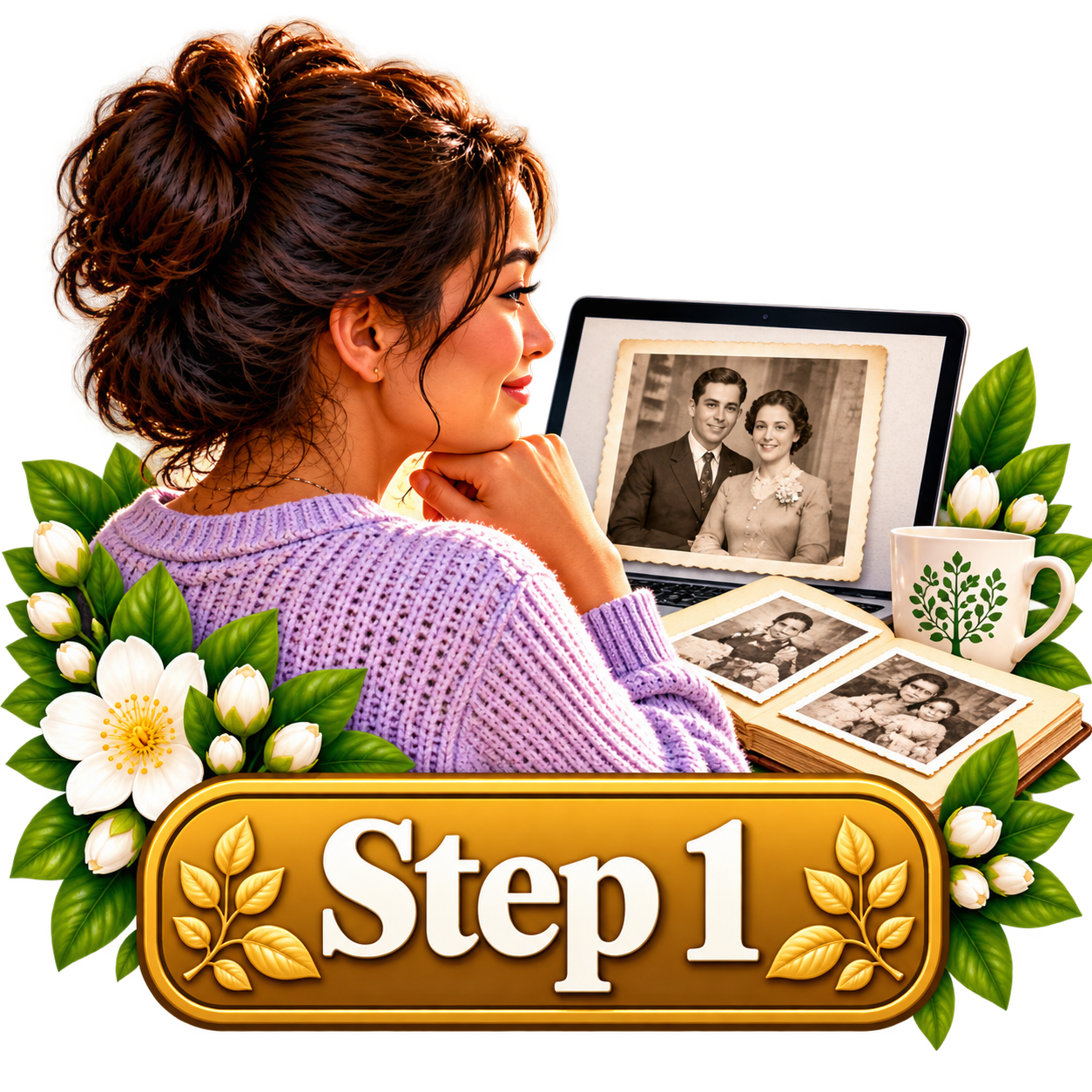
CHOOSE a Family Memory to Preserve
Find one photograph or story you would like to preserve. It might be a picture of your grandparents, a favorite family gathering, or a memory you've written about someone you love. If you're using a printed photograph, you can scan it or take a clear picture with your phone.
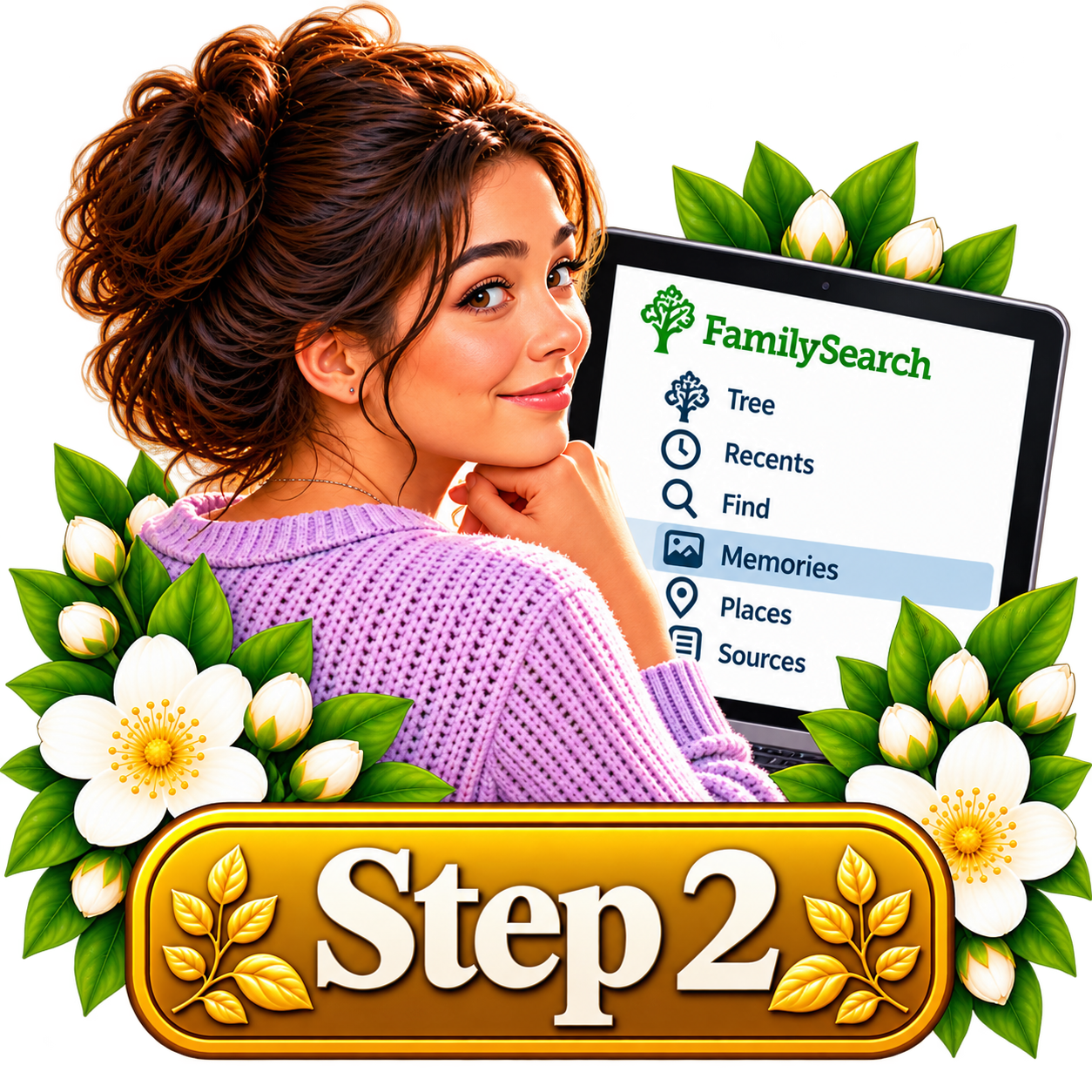
UPLOAD Your Photograph or Story
Sign in to FamilySearch and open Memories. Choose the option to add a photograph or create a written story. Upload your picture or enter your story. Give it a meaningful title and add a short description explaining who or what is pictured, where it happened, or why the memory is special.

CONNECT the Memory to Your Family
Once you've saved your memory, identify the people in the photograph or story and connect them to their FamilySearch Family Tree profiles when possible. This helps other family members discover the memory when they visit those ancestors' pages. A gift to yourself and future generations.
Did you know? FamilySearch Memories is free to use! You can preserve family photographs, written stories, audio recordings, and documents in one place.
You can also add titles, descriptions, dates, and people to help others understand the memories you've shared. A photograph becomes even more meaningful when someone knows the names of the people pictured and the story behind the moment.
Remember: You can help make your own family's memories easier to find and enjoy. You don't need to organize every photograph in your house or write an entire life history.
Start with just one memory. And when sharing photographs or stories involving living people, be thoughtful about privacy and obtain permission when appropriate. Memories may be visible to others depending on their content and privacy settings.
Important note: FamilySearch Memories is free, but not every memory should be made public. Avoid uploading sensitive information about living people without their permission. If you are adding a memory to an ancestor's profile, double-check that you've selected the correct person.
One small discovery. One eternal connection.
Open FamilySearch MemoriesDiscover the Heart of Family History
Every name has a story. Every family has a history. Every connection matters.

Help Gather Israel is a free, independently created family history resource developed by a member of The Church of Jesus Christ of Latter-day Saints. It is not an official website of, or affiliated with, the Church or FamilySearch.